

macOS · Cue programming
Disguise cues in Eos, without the typing.
Build Eos cues from Disguise without typing them twice. ToucanType reads cue tags and notes from Disguise, compares them with ETC Eos, and lets you create, update or delete the matching cues from one window.
macOS 13 (Ventura) or later · Free to download · Licence required to create, update or delete cues
New to ToucanType? The setup guide covers connecting Disguise and Eos, and making your first cue.
Read the guideMake and update cues
Pick the cues you need from Disguise and ToucanType writes or updates the matching cues in ETC Eos — no retyping, no transcription errors.
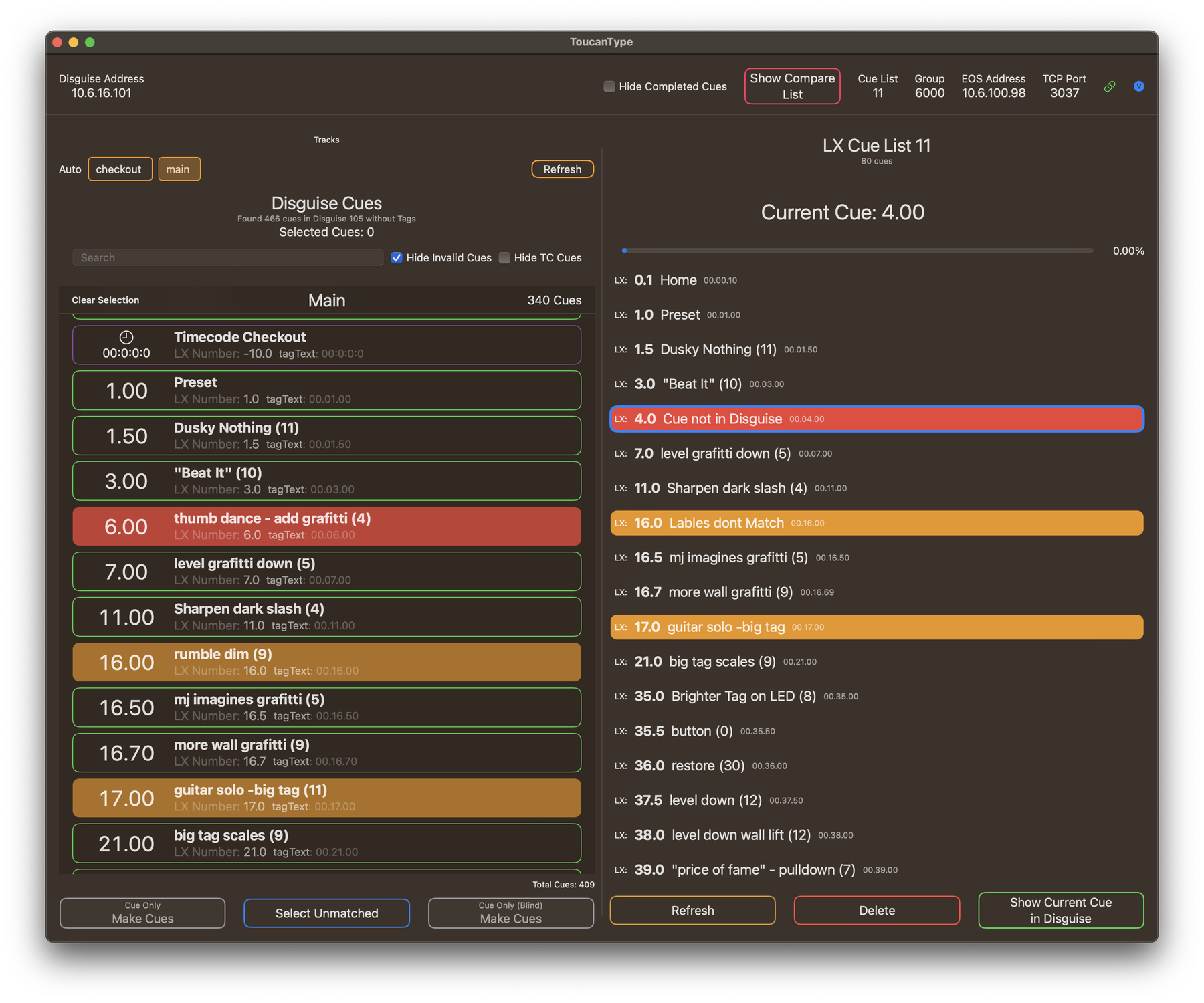
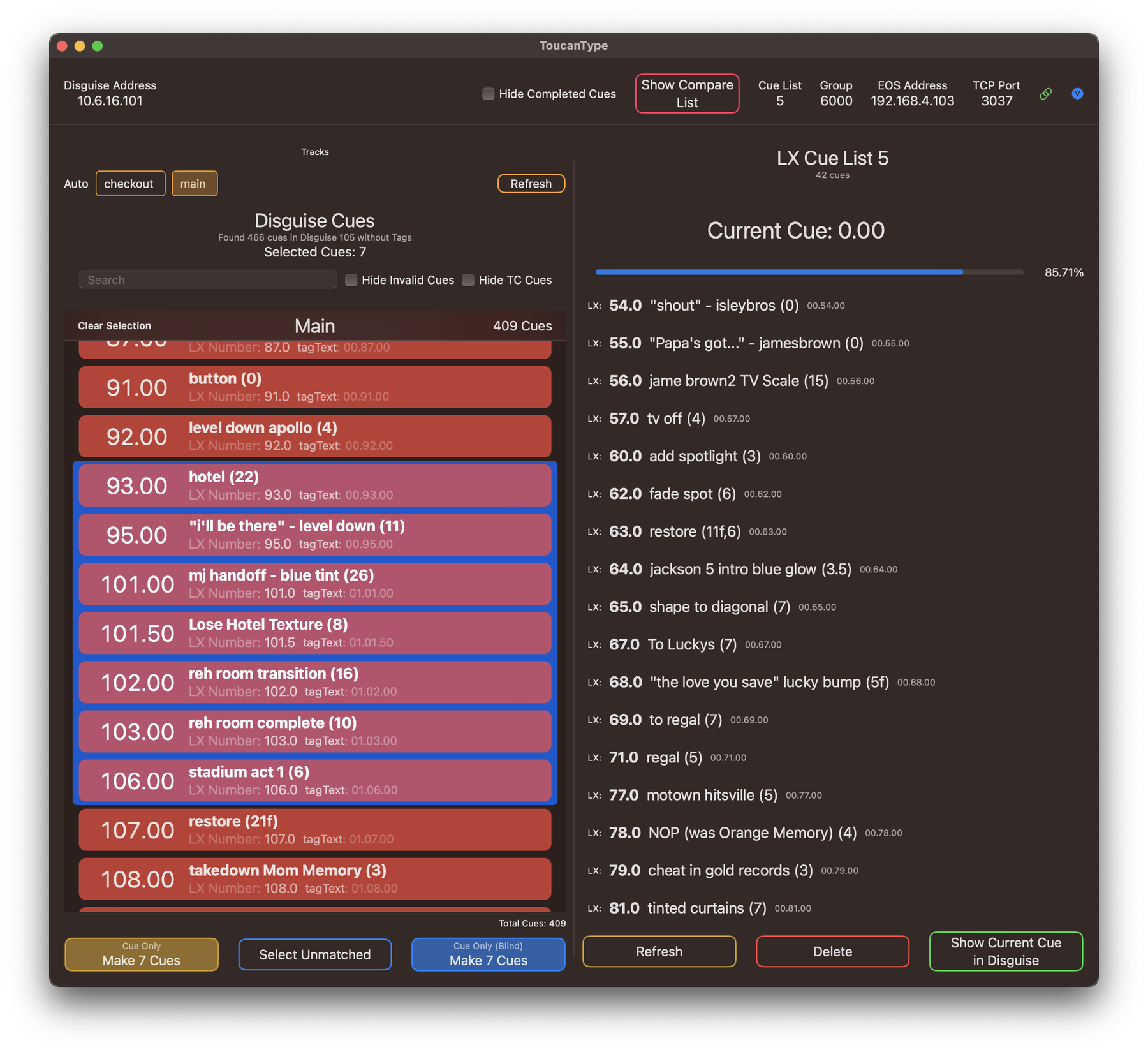
Select and edit in bulk
Select a range and change it in one pass instead of stepping through the list cue by cue.
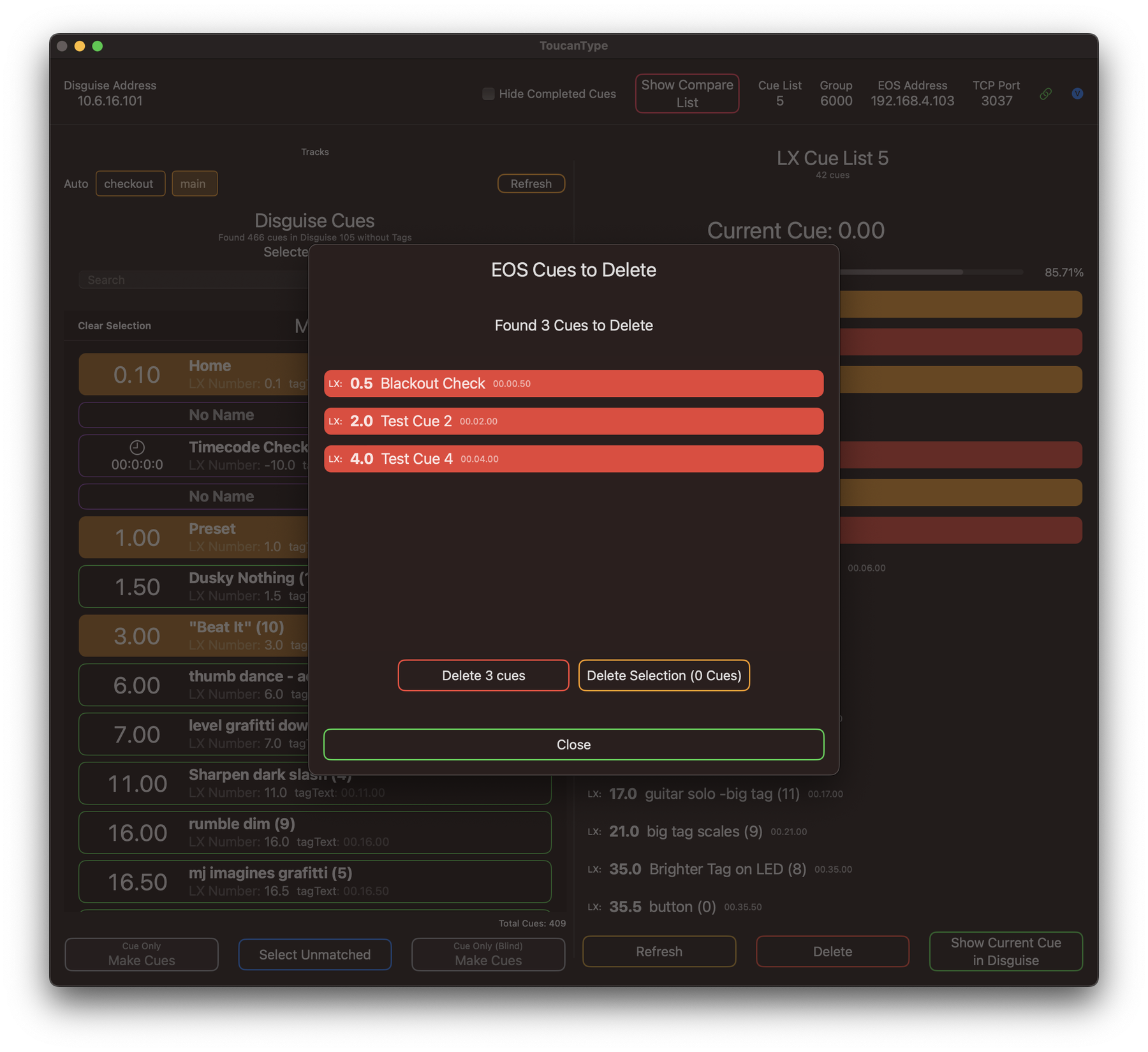
Clear out what's gone
Clean out cues that have been removed - When a cue is removed from disguise, ToucanType flags the matching Eos cue so you can review and delete it.
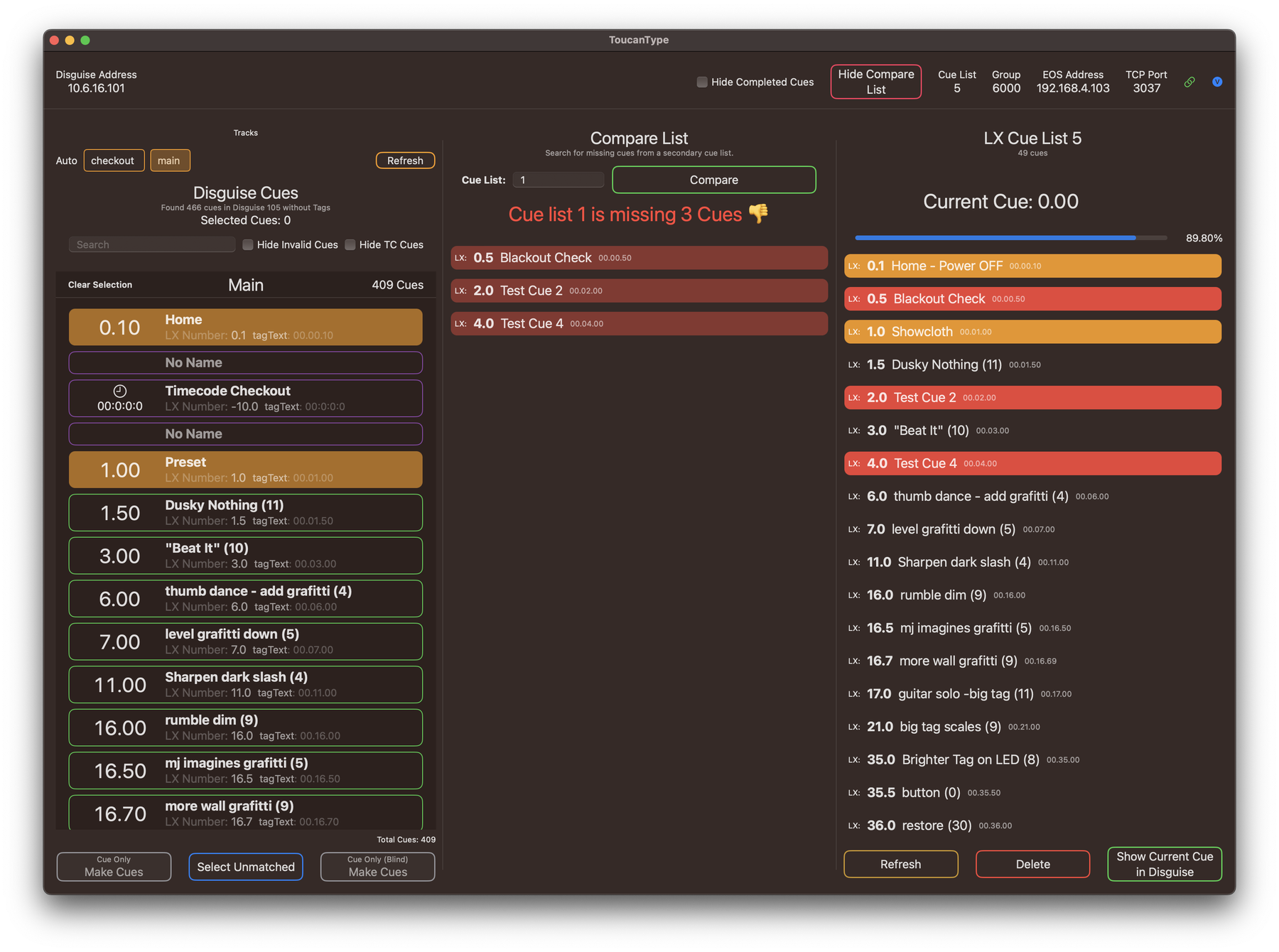
Compare against the main LX list
Check that every video cue has a counterpart in the main lighting cue list before you get into a show.
Never used it before? Start here.
Connecting the Disguise server and your lighting console, choosing between sACN and numeric tags, and making your first cue — step by step, written for someone opening the app for the first time.
Licensing
ToucanType is free to download and connect to your devices - Licensing unlocks cue creation
- Free: connect to Disguise and Eos, browse and compare lists
- Licensed: make, update and delete cues
- Licenses can be bought inside the app or from the store
- Minimum system requirement — macOS 13 (Ventura) or later
- New to it? The setup guide walks through connecting Disguise and Eos and making a first cue
Get it on the production machine
Download it, connect it to your system, and see how the cue list looks before you commit to a license.